
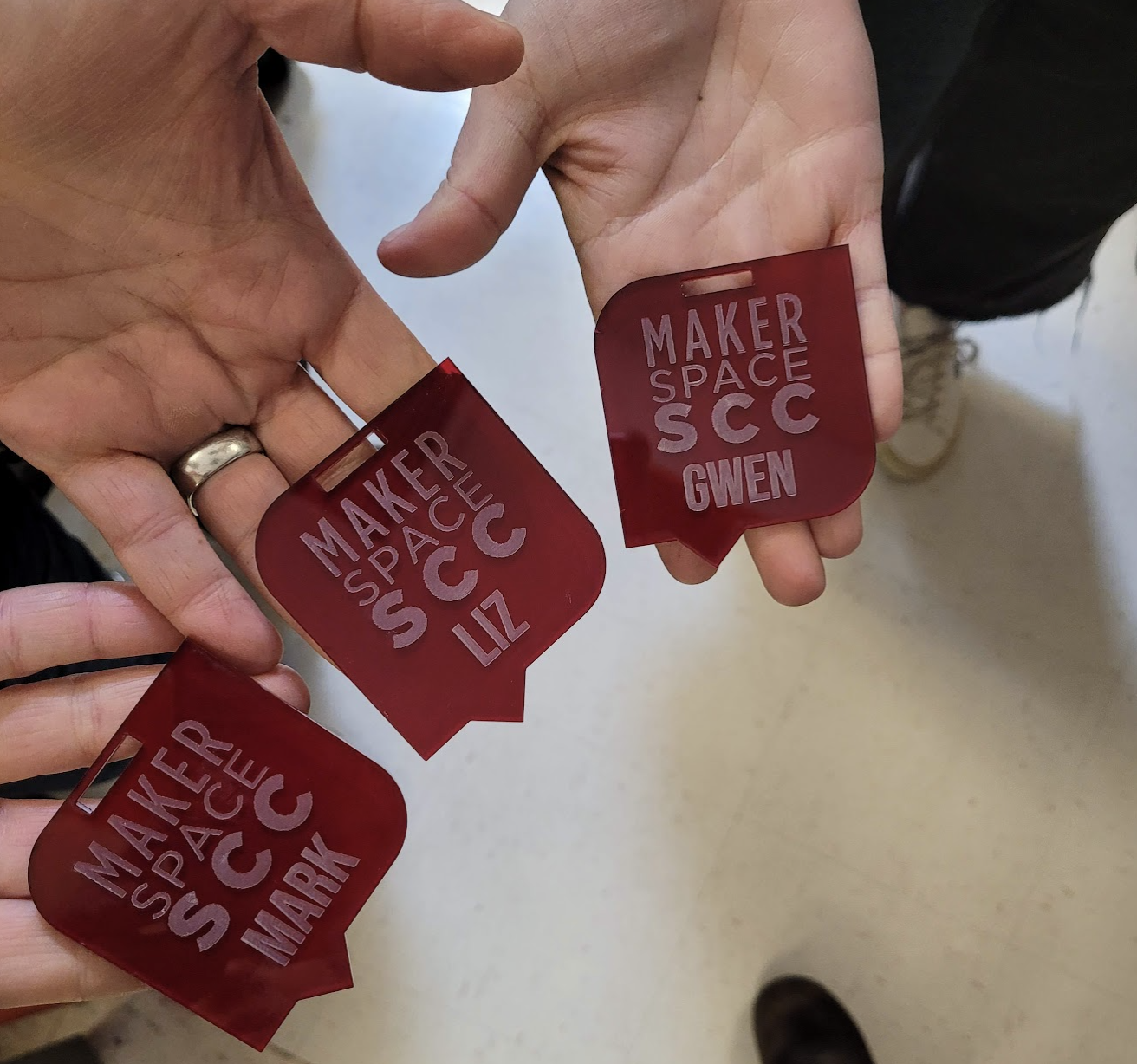
Cuts and engraves wood, acrylic, card stock, fabric, and paper up to 32 x 18” using .pdf, .dxf or .svg files.
RGB COLORS
- Red = Cut
- #FF0000 in Hex or RGB value of (r255, b0, g0)
- .001px line
- Blue = Line
- #0000FF in Hex or RGB value of (r0, b255, g0)
- .001px line
- Black = Engrave
- #000000 in Hex or RGB value of (r0, b0, g0)
- Uses Grayscale
How a CO₂ Laser Works
Electricity excites gas → gas releases invisible light → mirrors amplify → focused beam cuts material.
- Tube filled with CO₂, N₂, and He
- Electricity excites nitrogen, which passes energy to CO₂
- Excited CO₂ molecules release infrared light
- Mirrors bounce the light, one mirror lets it out → laser beam
- A lens focuses the beam, hot enough to cut, engrave, or burn
How Machine Cutting Works
A cutting tool moves on the X and Y axis, with the Z axis controlling depth, force, or focus.
- Laser cutting: Focused light vaporizes material
- CNC cutting: Router or mill spins to remove material
- Waterjet cutting: High-pressure water/abrasive stream slices material
- Plasma cutting: Ionized gas jet melts and blows away metal
- Blade cutting: Knife follows path (Roland, Silhouette, Cricut)
Safe to Cut
- Wood – plywood, MDF, hardwood, softwood
- Paper & cardboard – cardstock, chipboard, craft paper
- Acrylic / Plexiglass (PMMA) – polished edges
- Leather – real, veg-tanned (not chemically tanned)
- Fabrics – cotton, felt, denim, polyester blends
- Plastics – Delrin (acetal), styrene, ABS (engrave only)
- Rubber – natural or laser-safe types (no chlorine)
- Food – chocolate, cookies, fruit (novelty engraving)
Engrave Only
- Glass
- Stone, ceramic, tile
- Metals (only very thin with coating – Talk to STAFF)
Do Not Cut ⚠️
- PVC / Vinyl – releases chlorine gas (toxic, corrosive)
- Polycarbonate (Lexan, PC) – burns, toxic fumes
- ABS plastic – melts, catches fire, cyanide gas
- Fiberglass – nasty fumes, damages optics
- Carbon fiber (with epoxy) – hazardous fumes
- Unknown foams – can release toxic gases or ignite violently
- Any halogen-based material (fluorine, chlorine, bromine, etc.)
Design for Laser Cutting
Vector vs Raster
- Vector = math → scalable, precise (used for cutting/scoring)
- Raster = pixels → resolution-limited (used for engraving, shading, photos)
File Formats
Reliable vector-based cut line formats:
- SVG – Scalable Vector Graphics
- DXF – Drawing Exchange Format
- DWG – AutoCAD Drawing
- AI – Adobe Illustrator
- EPS – Encapsulated PostScript
File Tips
- Convert text to outlines (no fonts)
- Design at 1:1 scale with correct units
- Clean files: remove unused objects, notes, overlaps, open paths
Core Design Principles
- Kerf: Laser burns away 0.002–0.02 in of material — account for it
- Compensation: Tabs slightly larger, slots slightly smaller
- Tolerances: Tight fits need force, loose fits may need glue
- Minimum Feature Size: Holes ≥ ½ material thickness
- Edge Effects: Wood = dark edges, Acrylic = polished edges
- Spacing: Keep lines ≥ 2× material thickness
- Corners: Add dog-bones or small radii for square fits
- Nested Parts: Arrange shapes tightly, share cut lines
Preparing Your Files
- Export from Canva as SVG, open in Illustrator
- Expand layers, isolate paths, delete clipping masks
- Rename paths clearly
- Use Image Trace + Pathfinder for cleanup if needed
Cut Commands (Illustrator)
- Red (Hex #FF0000, 0.001 px): Cut on path
- Blue (Hex #0000FF, 0.001 px): Vector line engrave
- Black/Grayscale (Hex #000000): Raster engrave
Engrave bitmap → vector engrave → cut last.
Transferring Files
- Save Illustrator file to flash drive
- Check RGB colors + cut line settings
- From Illustrator:
- Print → Setup → More Settings → ULS Database
- Select material + thickness → Press OK
- Hit Print (loads job)
- Open ULS RIP Software → load material & design
We use Adobe Illustrator and Universal Laser System User Interfaces
Vector Design Tutorial in Canva, Illustrator and Silhouette Studio

Tutorial in Inkscape: https://www.xometry.com/resources/sheet/dxf-laser-cutting/
What is Your Material Made of?
Check out this great list of safe and hazardous materials for laser use by the Cleveland Public Library